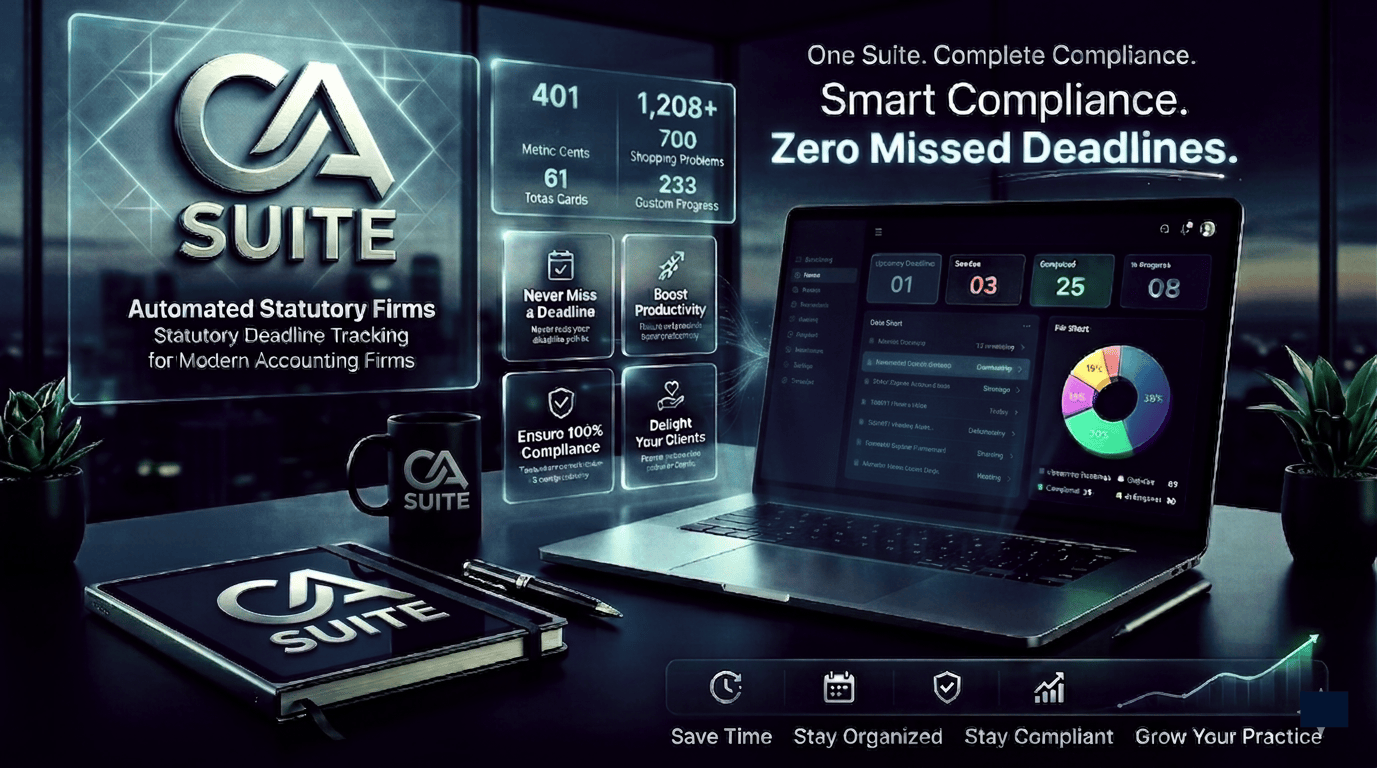
Benefits of Automated Statutory Deadline Tracking for Accountants
Accounting firms and Chartered Accountants manage recurring statutory obligations across multiple clients, entities, and reporting periods. These responsibilities may include GST returns, TDS filings, income tax returns, payroll-related compliance, and company-law submissions, depending on each client's circumstances.
Tracking every obligation manually can become difficult as a practice grows. Deadlines may be recorded across spreadsheets, email reminders, calendars, and individual employees' task lists. Without a consistent process, teams may struggle to identify upcoming filings, follow up on missing documents, or confirm whether a submission has been completed.
Automated statutory deadline tracking provides a structured way to organize these responsibilities. By combining compliance calendars, task assignments, reminders, status monitoring, and supporting records, accounting firms can improve visibility across their compliance workload.
The objective is not to replace professional judgment. It is to help accountants manage recurring responsibilities systematically while keeping deadlines, documentation, and accountability easier to monitor.
What Is Automated Statutory Deadline Tracking?
Automated statutory deadline tracking is a process of using software to record, organize, monitor, and communicate upcoming compliance obligations.
Depending on the system, it may allow an accounting firm to maintain client-specific calendars, assign filing responsibilities, configure reminders, monitor task progress, and record submission status.
A typical workflow may include:
Maintaining a central calendar of applicable compliance obligations
Mapping deadlines to individual clients and business entities
Assigning tasks to accountants or compliance team members
Sending reminders before important due dates
Tracking documents received and information still outstanding
Recording preparation, review, approval, and filing status
Maintaining supporting records for future reference
The precise features depend on the selected product and its configuration. Firms must still verify that each obligation applies to the relevant client and that deadlines reflect current official requirements.
Why Accounting Firms Need a Structured Compliance Process
As accounting practices acquire more clients, the number of recurring obligations and dependencies can increase significantly. One client may require several filings in a month, while another may have a different reporting schedule based on its registration, business activities, or applicable rules.
A manual process can create several challenges.
Scattered deadline information
When due dates are stored in different spreadsheets, email threads, and calendars, employees may not have a complete view of upcoming work. A centralized system can help bring these obligations into one organized workflow.
Delayed document collection
Many filings depend on receiving invoices, bank statements, payroll details, transaction records, or other information from clients. Tracking the filing date alone is not enough; teams must also monitor the documents and approvals needed to complete the work.
Unclear task ownership
When responsibilities are not assigned clearly, multiple employees may assume someone else is handling a filing. Defined ownership and escalation procedures help teams identify who is responsible for each task.
Limited management visibility
Partners and managers need to know which filings are completed, which are awaiting client information, and which require immediate attention. Consistent status tracking makes workload review more systematic.
A reliable process should address all four areas rather than relying solely on reminders.
Key Benefits of Automated Statutory Deadline Tracking
1. Better visibility into upcoming deadlines
A consolidated compliance calendar helps teams see upcoming obligations across clients and reporting periods. Employees can plan work earlier instead of depending on last-minute checks.
Calendars can be organized by client, filing type, due date, responsible employee, or status. Managers can use these views to identify approaching deadlines and distribute work according to team capacity.
However, calendar accuracy depends on maintaining correct client information, applicable filing requirements, and updated due dates.
2. More consistent reminders and follow-ups
Automated reminders can notify responsible employees about approaching deadlines and outstanding tasks. Depending on the system, firms may configure reminders for document collection, preparation, review, approval, and final submission.
For example, an accounting team could establish a reminder sequence for collecting client records before a filing deadline. If documents remain outstanding, the assigned employee can follow up and escalate the issue according to the firm's internal policy.
Reminders improve process visibility, but they do not guarantee that a filing will be completed. Teams must monitor exceptions, delivery failures, and unresolved dependencies.
3. Clear task ownership and accountability
Each compliance task should have an identifiable owner and a defined status. A structured workflow can distinguish between tasks that are awaiting information, under preparation, pending review, approved, or submitted.
This allows managers to identify bottlenecks and assign support when necessary. It also helps employees understand their responsibilities without repeatedly checking multiple communication channels.
A useful workflow should define who prepares a filing, who reviews it, who approves it when required, and who confirms submission.
4. Improved client coordination
Compliance work often depends on timely communication between accountants and clients. A tracking process can help firms identify missing documents and communicate outstanding requirements more consistently.
Where supported, client portals or document-sharing features can centralize requests, uploads, and updates. Firms should establish clear procedures for handling incomplete information, corrections, and client approvals.
The benefit comes from making responsibilities and outstanding requests visible, rather than assuming that a reminder alone will resolve every delay.
5. More organized accounting workflows
Accounting workflow automation can connect deadline monitoring with task assignments, document collection, review steps, and status updates. This reduces the need to maintain separate manual records for every stage of a compliance process.
For instance, when a client uploads the required documents, a team member may update the task status and move the work to preparation or review. If the software supports workflow rules, selected actions may be triggered automatically.
Automation should be designed around the firm's actual processes. Poorly configured workflows can generate unnecessary notifications, assign tasks incorrectly, or allow incomplete work to appear finished.
6. Stronger management oversight
Partners and managers need a reliable view of the firm's overall compliance workload. Reports and dashboards can highlight upcoming deadlines, overdue tasks, incomplete documentation, and work awaiting review.
These views can support daily planning and periodic workload reviews. Managers can also use historical task records to identify recurring process problems, such as late document collection or review bottlenecks.
Reports should be checked for completeness and accuracy before they are used to make operational decisions.
7. More consistent recordkeeping
A structured tracking system can keep relevant task histories, assigned responsibilities, status changes, and supporting documents together, where these features are available.
Organized records make it easier to understand what happened during a filing cycle and identify areas that require follow-up. Firms should establish appropriate retention periods, access permissions, and procedures for correcting inaccurate records.
A software record is not automatically proof that a statutory filing was successfully submitted. Submission confirmations and relevant official acknowledgements should be retained where applicable.
How Compliance Deadline Management Software Supports Daily Work
Compliance deadline management software can help accounting teams coordinate the stages between identifying an obligation and confirming that the filing is complete.
A practical workflow may follow these steps:
Identify the obligation: Determine which statutory requirement applies to the client and reporting period.
Confirm the deadline: Verify the current due date against the relevant official source.
Assign responsibility: Allocate preparation, review, and approval tasks to the appropriate team members.
Collect information: Track required documents, client responses, and outstanding details.
Prepare and review: Complete the filing process and perform the required checks.
Submit and record: Submit through the appropriate authorized channel and retain the relevant confirmation.
Close the task: Update the status only after the required completion evidence has been checked.
This process creates a clearer distinction between a task that has been scheduled and one that has actually been completed.
Firms should also define an escalation process for unexpected events, including missing records, technical issues, changes in due dates, and filings requiring additional professional review.
Choosing a Tax Compliance Tracking System
A tax compliance tracking system should match the firm's client base, filing responsibilities, team structure, and existing technology.
Before selecting a product, evaluate the following capabilities.
Client and entity management
The system should make it practical to organize clients, associated entities, applicable obligations, and reporting periods. Firms with complex client structures should confirm that relationships and responsibilities can be represented accurately.
Configurable calendars and reminders
Check whether the software supports appropriate deadline calendars, reminder schedules, task priorities, and escalation rules. Confirm how official due-date changes are handled and whether updates require manual review.
Task assignment and approval workflows
Look for clear ownership, status tracking, review stages, and support for reassignment when employees are unavailable. The workflow should reflect the firm's actual approval and quality-control requirements.
Document management and audit history
Determine whether supporting documents, communications, status changes, and submission evidence can be stored or linked appropriately. Confirm access permissions, retention options, and export capabilities.
Reporting and integrations
Review whether reports provide useful visibility into upcoming work and unresolved tasks. If the firm uses accounting, payroll, billing, or document-management software, check the available integration methods and associated costs.
Security and access controls
Evaluate authentication, role-based permissions, data protection, backup and recovery arrangements, audit logs, and incident-handling commitments. Sensitive client information should only be accessible to authorized users.
Total cost and ongoing support
Consider subscription charges, implementation, migration, training, additional users, integration costs, and ongoing support. A demonstration using realistic workflows can help determine whether the software offers practical value for the firm.
Limitations and Best Practices
Automation can improve consistency, but it cannot eliminate every compliance risk.
Deadlines may change, client information may be incomplete, software integrations may fail, and a filing may require professional judgment that cannot be reduced to a simple automated rule.
Accounting firms should therefore follow several practices:
Verify statutory due dates against current official guidance.
Review client applicability and filing requirements regularly.
Assign responsibility for maintaining compliance calendars.
Test reminder delivery and escalation procedures.
Require appropriate review before important submissions.
Keep filing confirmations and supporting evidence.
Restrict access to confidential client information.
Review overdue tasks and failed workflows regularly.
Maintain a documented fallback process for outages or system errors.
These safeguards help ensure that technology supports the firm's compliance process rather than becoming its only line of defense.
How Codemetrics Can Help
Codemetrics Infotech works in software development and digital solutions. Accounting firms evaluating technology for their operations should first identify their workflow requirements, integration needs, data protection expectations, and reporting priorities.
A clear requirements assessment can help determine whether an existing product, a configured workflow, or a customized software solution is appropriate. Firms should compare available options against their actual needs before committing to a particular implementation.
To learn more about Codemetrics Infotech, visit the Codemetrics website and use the verified service or contact options to discuss relevant requirements.
Any proposed solution should be evaluated against the firm's specific compliance processes and should not be assumed to provide automatic statutory accuracy or guaranteed prevention of missed deadlines.
Conclusion
Managing recurring statutory obligations requires accurate calendars, clear task ownership, timely client communication, organized records, and reliable review procedures.
Automated statutory deadline tracking can bring these activities into a more consistent process. With suitable configuration, accounting workflow automation can help teams coordinate reminders, document collection, approvals, and status monitoring while improving visibility for managers.
The best results come from combining appropriate technology with professional oversight. By evaluating features, security, integrations, data quality, and total cost, accounting firms can choose a tracking approach that supports their day-to-day operations and adapts as their practice grows.