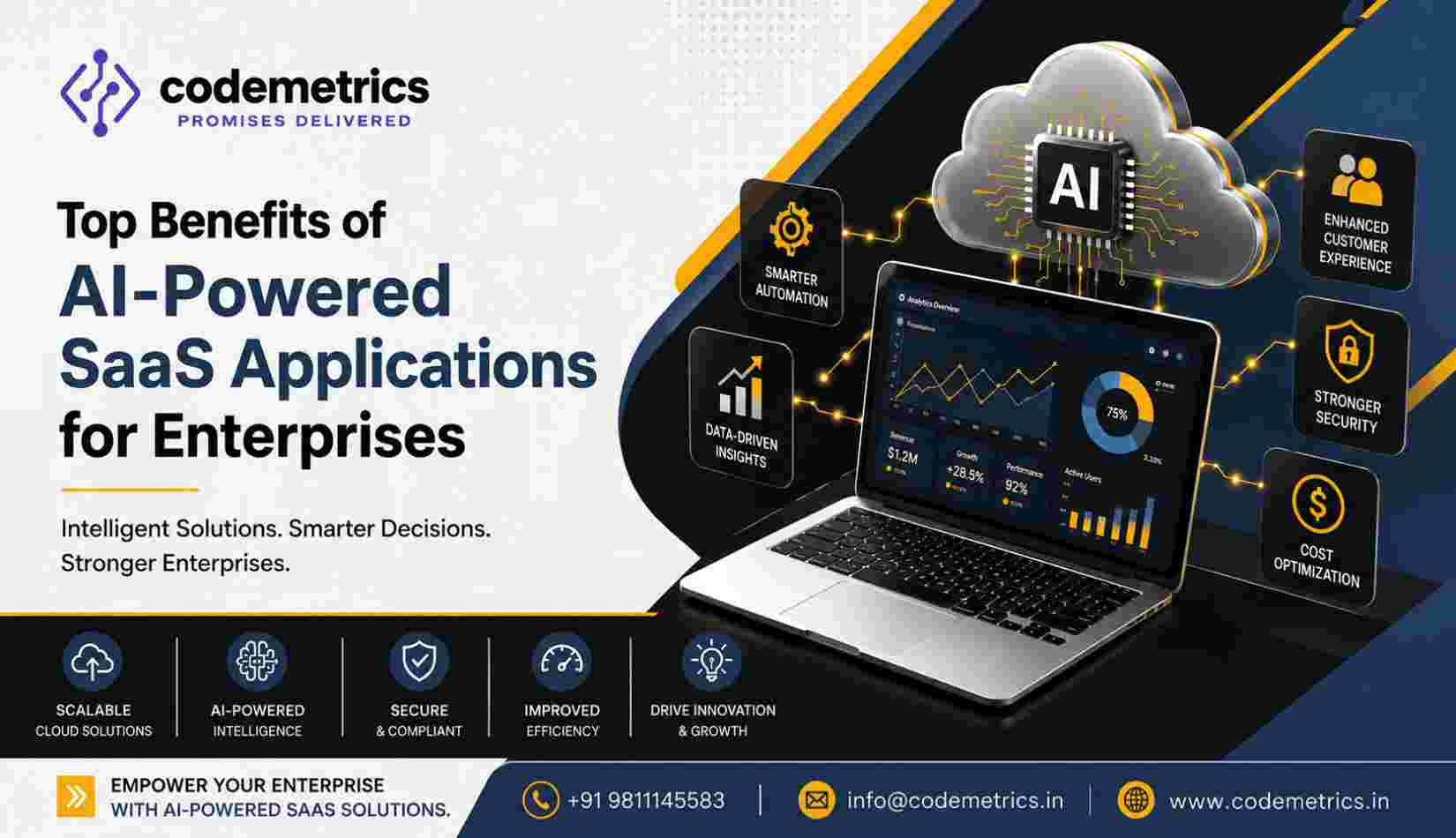
AI-Powered SaaS Applications for Enterprises
Enterprises are increasingly evaluating artificial intelligence to improve business workflows, analyze information, and support decision-making. However, adopting AI requires more than adding a chatbot or automating individual tasks. Organizations must understand how AI fits into existing systems, how business data is protected, and how generated outputs are reviewed before being used in important decisions.
AI-powered SaaS applications combine software delivered through the cloud with AI capabilities such as natural language processing, predictive analytics, classification, and content generation. Depending on the product, these capabilities can help employees process information, identify patterns, summarize documents, and coordinate routine workflows.
For enterprises, the value of these tools depends on their suitability for specific business processes, their integration with existing technology, and the controls established around their use. This guide explores practical enterprise use cases and the technical, operational, and financial factors businesses should consider before implementation.
What Are AI-Powered SaaS Applications?
AI-powered Software as a Service (SaaS) applications are cloud-hosted software products that incorporate artificial intelligence into their features or workflows. Employees typically access them through a browser, mobile application, or connection to another business system.
Depending on the application, AI may help classify incoming requests, extract information from documents, generate summaries, identify unusual patterns, or recommend the next action in a workflow. Some systems can also initiate predefined actions when specified conditions are met.
Unlike conventional software that follows only explicitly configured rules, AI-enabled applications may use statistical models or generative AI to produce predictions or responses. These outputs can be useful, but they are not always correct and may require human verification.
Enterprise SaaS solutions should therefore be evaluated on more than their AI features. Businesses also need to consider integration capabilities, access controls, reliability, data handling, governance, and the ability to monitor performance.
Enterprise Use Cases
The most effective enterprise AI projects begin with a defined business problem, measurable objectives, and an appropriate level of human oversight.
Workflow Automation
Large organizations often manage recurring workflows across finance, human resources, procurement, customer service, and operations. Employees may spend significant time classifying requests, transferring information between applications, checking records, and preparing routine reports.
AI can support these processes by:
Classifying incoming emails, requests, and service tickets
Extracting information from forms and invoices
Routing tasks to the appropriate department
Summarizing case histories for employee review
Identifying incomplete records or missing information
Supporting approval workflows based on predefined business rules
For example, an accounts payable team could use an AI-enabled application to extract invoice details and compare them with purchase-order records. The system could flag discrepancies for review rather than automatically approving every invoice.
This approach to AI business automation can reduce repetitive handling, but the results depend on document quality, process design, integration reliability, and the availability of appropriate review procedures.
Analytics and Decision Support
Enterprises collect information from sales platforms, financial systems, customer databases, supply chains, and operational applications. Turning this information into useful insights can be challenging when data is incomplete, inconsistent, or distributed across multiple systems.
AI-enabled analytics can help organizations:
Identify trends in sales and customer behavior
Forecast demand using historical and current data
Detect unusual transactions or operational patterns
Summarize performance indicators for management
Highlight possible bottlenecks in business processes
Support scenario analysis and resource planning
For example, a retail enterprise may analyze historical sales, inventory levels, and seasonal demand to help planners estimate future stock requirements. Managers should review the assumptions behind these forecasts and account for unexpected market changes.
Predictions should be treated as decision-support information rather than guaranteed outcomes. Data quality, model limitations, changing business conditions, and potential bias can all affect analytical results.
Customer Support Assistance
Customer service teams frequently handle high volumes of similar questions alongside more complex complaints that require individual attention.
AI-enabled applications can assist support teams by:
Suggesting responses to common customer questions
Summarizing previous interactions
Retrieving relevant information from approved knowledge bases
Categorizing incoming support requests
Recommending appropriate next steps
Routing complex or sensitive cases to human agents
For example, a support application could retrieve relevant troubleshooting instructions and draft a response for an employee to review. The employee can then correct the response, verify the information, and send it to the customer.
Enterprises should define clear escalation rules for complaints, financial disputes, sensitive personal information, and requests involving legal or contractual commitments. AI-generated answers should not be assumed to be accurate simply because they sound confident.
Document and Knowledge Workflows
Enterprises manage contracts, policy documents, technical manuals, internal procedures, reports, and project records. Finding relevant information across large collections can take considerable employee time.
AI features can support:
Document classification and information extraction
Summaries of lengthy reports
Search across approved internal knowledge sources
Comparison of document versions
Identification of missing fields or inconsistent information
Drafting of internal documentation for review
For example, a legal operations team could use an AI-enabled document tool to identify clauses that require further review. The application may help locate relevant sections, but qualified employees should verify the wording and make the final legal assessment.
Organizations should also ensure that users can access only the documents they are authorized to view. A knowledge assistant must not bypass the permissions applied to the underlying document repository.
Integration with Enterprise Systems
AI applications often deliver more value when they work with the systems employees already use. A disconnected tool may require repeated data entry, create duplicate records, or produce recommendations without the business context needed to act on them.
Before deployment, enterprises should map the systems involved in the target workflow. These may include ERP platforms, CRM applications, HR software, finance systems, data warehouses, identity providers, and document repositories.
Important integration considerations include:
APIs and connectors: Confirm that the application supports the necessary interfaces and data formats.
Data synchronization: Define how frequently records are updated and how conflicts are resolved.
Identity and permissions: Apply appropriate access controls to connected systems and AI features.
Workflow ownership: Establish which application is the authoritative source for each type of record.
Monitoring and logging: Track failed integrations, unexpected actions, and data-processing errors.
Testing: Validate the integration using representative scenarios before production deployment.
For example, an AI assistant connected to a CRM may summarize customer interactions, but it should use authorized customer records and respect existing access restrictions. Any action that changes a customer record should be subject to appropriate validation and permissions.
Enterprises should begin with a limited, well-defined integration and expand only after testing confirms that the workflow behaves as expected.
Security, Governance and Data Privacy
Enterprise AI adoption introduces questions about where data is processed, which parties can access it, how outputs are used, and how decisions can be reviewed.
Security and governance should be considered during product selection, not added only after implementation.
Data protection and access control
Before uploading company information to an AI service, review the provider's data-processing terms and technical documentation. Establish whether prompts, uploaded files, and outputs may be retained or used to improve models, and whether these settings can be configured.
Key safeguards may include:
Role-based access controls and multi-factor authentication
Encryption in transit and at rest
Defined data-retention and deletion policies
Restrictions on sensitive or confidential information
Audit logs for relevant user and system activity
Backup and recovery procedures
Review of subprocessors and data-processing locations
Appropriate contractual and regulatory protections
Businesses should not assume that a cloud provider's security measures automatically satisfy every requirement that applies to the customer organization.
AI governance and human oversight
AI governance establishes how an organization selects, uses, monitors, and reviews AI systems. Clear responsibilities help ensure that employees understand the capabilities and limitations of each application.
An enterprise governance framework should define:
Which business processes may use AI.
What types of information may be submitted.
Which outputs require human approval.
How errors, complaints, and incidents are reported.
Who is accountable for reviewing performance and risk.
How model changes and application updates are assessed.
Higher-risk applications, such as those involving financial decisions, employment, sensitive personal information, or regulatory obligations, may require stronger validation and oversight.
Enterprises should also test for inaccurate outputs, inappropriate disclosures, biased results, and prompt-injection risks where relevant. Governance needs will vary depending on the system, its users, the data involved, and the potential consequences of errors.
Privacy and regulatory requirements
Organizations must assess applicable privacy laws, sector-specific rules, contractual commitments, and internal data policies. Relevant considerations may include the purpose for processing information, the lawful basis where required, data minimization, retention, access rights, and cross-border transfers.
AI tools should use only the data needed for their intended purpose. Sensitive information should not be entered into unapproved services, and employees should receive clear guidance on acceptable use.
Costs, Limitations and Vendor Evaluation
AI-enabled SaaS products may reduce some manual work, but they also introduce costs and operational dependencies. A realistic assessment should consider the full lifecycle of the application rather than just the advertised subscription price.
Understand the total cost
Potential costs include:
User or seat subscriptions
AI usage, token, or transaction charges
Premium features and storage
Integration and implementation work
Data cleaning and migration
Employee training and change management
Monitoring, testing, and ongoing administration
Security reviews and compliance activities
Contract termination and data-export costs
Some providers charge based on usage, while others include AI features in higher subscription tiers. Enterprises should model likely usage and test realistic workloads before estimating long-term expenditure.
Recognize the limitations
AI systems can produce incorrect, incomplete, outdated, or misleading outputs. Predictive models can become less useful when business conditions change, and automated document processing may struggle with poor-quality scans or unusual formats.
Other limitations can include:
Inconsistent results across different inputs
Limited visibility into how a model reached an output
Dependence on provider availability and service changes
Additional latency when processing complex requests
Difficulty moving workflows or data between providers
Integration constraints and proprietary formats
Employee resistance or overreliance on generated responses
These limitations do not necessarily make AI unsuitable. They indicate the need for appropriate testing, fallback procedures, monitoring, and human review.
Evaluate the vendor carefully
When comparing cloud-based AI software, enterprises should review more than feature lists and demonstrations.
Ask prospective providers:
How is customer data stored, processed, retained, and deleted?
Is customer data used to train or improve models, and can that use be restricted?
What security documentation and independent assessments are available?
How are permissions applied to AI-generated responses and connected systems?
What service availability and incident-notification commitments are offered?
Can data, metadata, and relevant audit records be exported?
How are pricing changes, model updates, and product changes communicated?
What support is available during implementation and migration?
Run a controlled pilot with realistic business data that has been appropriately approved for testing. Define success measures before the pilot begins, such as processing time, error rates, employee review effort, or quality of retrieved information.
Compare results against the existing process, including the cost of human review and exception handling. This provides a more reliable basis for deciding whether the application should be expanded.
Conclusion
AI-enabled SaaS technology can help enterprises improve workflows, explore business data, assist customer support teams, and organize large collections of documents. However, results depend on the quality of the implementation, the relevance of the use case, and the controls applied to data and AI-generated outputs.
A successful adoption strategy starts with a specific business need and proceeds through integration planning, security and privacy assessment, governance design, cost evaluation, and controlled testing.
Enterprises should prioritize solutions that fit their existing systems, make data handling transparent, support appropriate human oversight, and provide a practical path for exporting information if business requirements change.
Codemetrics Infotech provides software development and digital solutions. Organizations exploring enterprise technology projects can visit the Codemetrics website to review available services and use the verified contact options to discuss their requirements.
The objective is not to adopt AI simply because it is available. It is to use the right capabilities, with suitable controls, to address real business challenges.